Guides

Practical guides for Figma, After Effects, Premiere Pro, Claude Code and Codex. Build better UI motion on macOS and Windows.

Figma, After Effects, Premiere Pro, Claude Code & Codex

How to use Claude Code in Premiere Pro with MotionUI

How to use Claude Code in Premiere Pro with MotionUI

MotionUI connects Claude Code to your Premiere Pro project. Here’s how to set it up, how to steer it and which edits it takes off your hands.

AI workflows

AI workflows

Higgsfield logo next to the MotionUI logo

A Higgsfield alternative for UI animation in After Effects

A Higgsfield alternative for UI animation in After Effects

Higgsfield's After Effects plugin is built for generated footage. For UI animation from Figma, MotionUI gives Claude tested building blocks and a review step.

AI workflows

AI workflows

Claude logo with an arrow to the After Effects logo

Motion graphics with Claude: code video or After Effects?

Motion graphics with Claude: code video or After Effects?

Opus 5.5 renders motion graphics from code. Here's how that compares with Claude building editable After Effects comps in MotionUI.

AI workflows

AI workflows

Two ways to let Claude animate. Only one leaves you something to edit.

Two ways to let Claude animate. Only one leaves you something to edit.

We rebuilt the same spot twice, once with MotionUI and once with Claude writing ExtendScript. Both played. Only one could still be changed, and starting from scratch the gap gets wider.

AI workflows

AI workflows

How to transition between two UI states in After Effects

How to transition between two UI states in After Effects

Prepare two UI layer sets in one After Effects composition, build a MotionUI Matchcut transition, and check the handoff for readable motion.

UI animation

UI animation

How to hand off an After Effects project without missing assets

How to hand off an After Effects project without missing assets

Hand off a MotionUI Figma animation with its After Effects assets, organized compositions, available fonts, and a second-machine check.

Workflow essentials

Workflow essentials

From Figma to an animated product demo with Claude Code or Codex

From Figma to an animated product demo with Claude Code or Codex

Refine a Figma screen, import it into After Effects and animate a product demo with Claude Code or Codex on macOS and Windows.
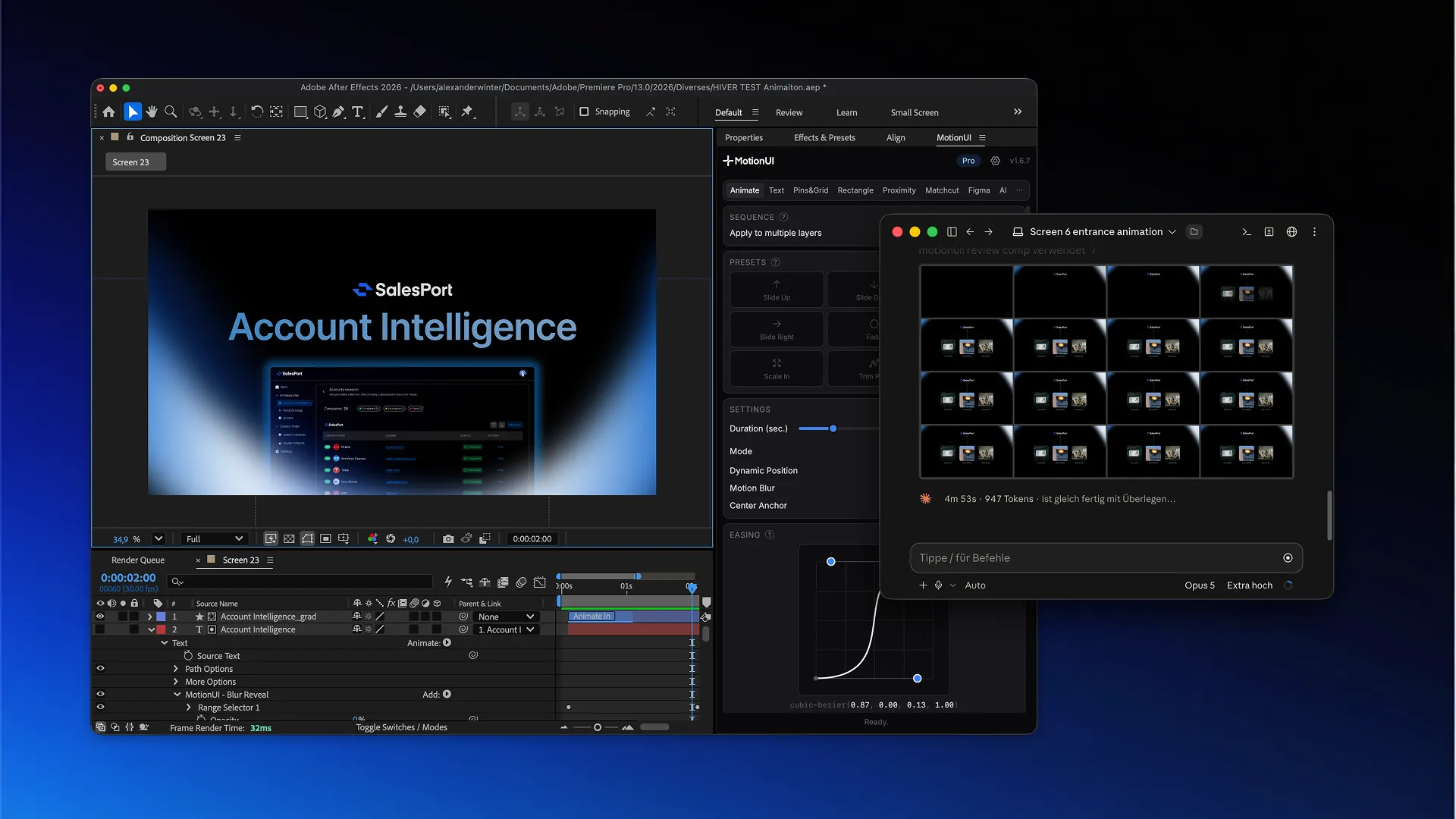
AI workflows

AI workflows

Claude Code or Codex cannot see After Effects? Fix the connection

Claude Code or Codex cannot see After Effects? Fix the connection

Fix missing MotionUI tools, unavailable compositions, app-opening errors and expired sign-ins in Claude Code or Codex on Mac and Windows.
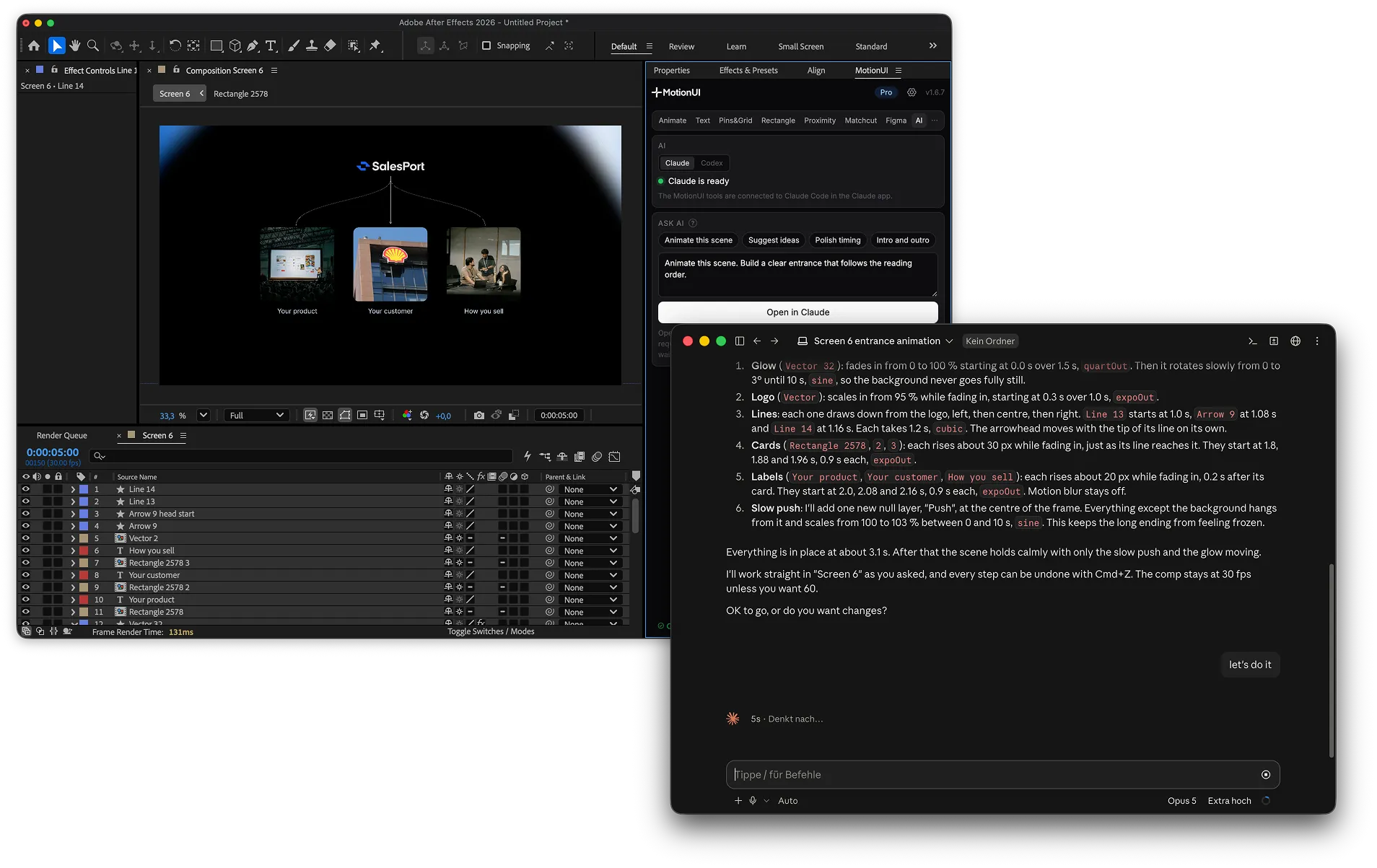
Troubleshooting

Troubleshooting

How to use Claude Code and Codex from the MotionUI AI panel

How to use Claude Code and Codex from the MotionUI AI panel

Send an After Effects composition and animation brief to Claude Code or Codex, review the proposed plan, and apply it through the connected agent.

AI workflows

AI workflows

How to stagger UI card animations in After Effects

How to stagger UI card animations in After Effects

Animate a row of three UI cards with MotionUI presets, coordinated timing, and easing while keeping your After Effects timeline easy to refine.

UI animation

UI animation

How to make UI animation feel smoother in After Effects

How to make UI animation feel smoother in After Effects

Fix stiff starts, floaty finishes, and simultaneous UI entrances with MotionUI easing controls and practical After Effects timing adjustments.

UI animation

UI animation

How to animate a cursor hover effect in After Effects

How to animate a cursor hover effect in After Effects

Make three UI cards react to a moving cursor with MotionUI Proximity. Set up the effector, pair layers, and tune Radius and Strength.

UI animation

UI animation

How to animate UI text in After Effects without losing readability

How to animate UI text in After Effects without losing readability

Use MotionUI to animate interface text by character, word or line in After Effects, with practical checks for hierarchy, timing and gradients.

UI animation

UI animation

How to animate an expanding sidebar in After Effects

How to animate an expanding sidebar in After Effects

Animate a left-anchored UI panel in After Effects with MotionUI rectangle rigs, compare nine origins, and keep labels readable during expansion.

UI animation

UI animation

After Effects prompts for Claude Code and Codex: 3 practical examples

After Effects prompts for Claude Code and Codex: 3 practical examples

Write useful After Effects prompts for Claude Code and Codex, with exact layers, timing, easing and a plan to approve before edits.

AI workflows

AI workflows

How to animate a SaaS dashboard with Claude Code or Codex

How to animate a SaaS dashboard with Claude Code or Codex

Animate a SaaS dashboard with Claude Code or Codex and MotionUI: inspect imported layers, reveal navigation, sequence metric cards, and emphasize a chart.

AI workflows

AI workflows

Figma to After Effects: 5 ways compared

Figma to After Effects: 5 ways compared

After Effects can't open Figma files. Five ways to get your designs in, from PNG exports to plugins that keep text, shapes and effects editable.
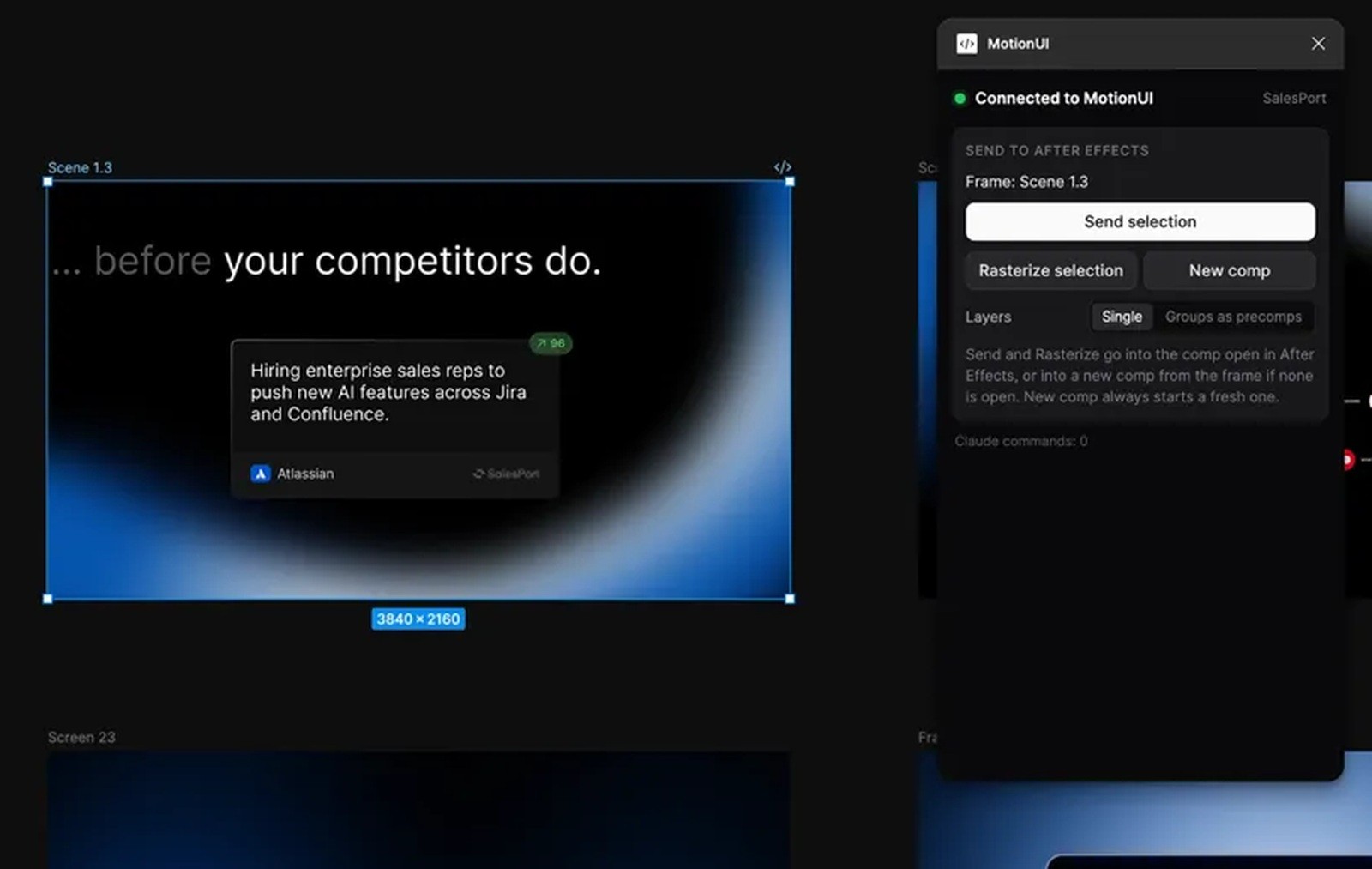
Figma to After Effects

Figma to After Effects

Figma to After Effects: keep layers editable or rasterize them?

Figma to After Effects: keep layers editable or rasterize them?

Choose editable layers or PNG assets in MotionUI, then import a Figma card with text, a soft shadow, and a complex illustration into After Effects.

Figma to After Effects

Figma to After Effects

How to import Figma groups as precomps in After Effects

How to import Figma groups as precomps in After Effects

Choose Single or Groups as precomps in MotionUI, test a dashboard frame, and organize sidebar, navigation, and card animations in After Effects.

Figma to After Effects

Figma to After Effects

Figma to After Effects: fix missing fonts and text wrapping

Figma to After Effects: fix missing fonts and text wrapping

Fix Figma text reflow, font substitutions, and styling differences in After Effects with MotionUI, and choose when to keep text editable or rasterize.

Troubleshooting

Troubleshooting

Figma import looks cropped? Match your After Effects composition size

Figma import looks cropped? Match your After Effects composition size

Fix cropped, oversized, or misplaced Figma imports with MotionUI by checking frame size, composition destination, and layer scale.

Figma to After Effects

Figma to After Effects

Figma to After Effects import stuck? Here is what to check

Figma to After Effects import stuck? Here is what to check

Diagnose a waiting MotionUI import with a small test shape, linked-file checks, Figma foreground testing, and After Effects panel checks.

Troubleshooting

Troubleshooting

How to connect Claude Code to After Effects

How to connect Claude Code to After Effects

Connect Claude Code to After Effects with MotionUI on Mac or Windows, verify access to your composition, and make your first editable animation.

AI workflows

AI workflows

How to connect Codex to After Effects

How to connect Codex to After Effects

Connect Codex to After Effects with MotionUI on Mac or Windows, verify access to your composition, and make your first editable animation.

AI workflows

AI workflows

Figma to After Effects with MotionUI: where to start

Figma to After Effects with MotionUI: where to start

Choose direct import, manual animation or Claude Code and Codex on macOS and Windows.

Workflow essentials

Workflow essentials

How to make transitions between product screens feel connected

How to make transitions between product screens feel connected

Keep the viewer oriented when your product story moves to a new screen.

UI animation

UI animation

How to improve UI animation timing before adding keyframes

How to improve UI animation timing before adding keyframes

Use hierarchy and a clear rhythm to make busy interfaces easier to follow.

UI animation

UI animation

How to choose the right motion for a UI interaction

How to choose the right motion for a UI interaction

A simple way to plan clearer UI animation before you touch the timeline.

Workflow essentials

Workflow essentials